 Web
Web
 Windows /
 Mac
Mac

Update your devices effortlessly with Brook’s new web firmware tool.
Update
Tips >
Tips >
Product
User Guide
Firmware
Version
Date
Description
All Versions
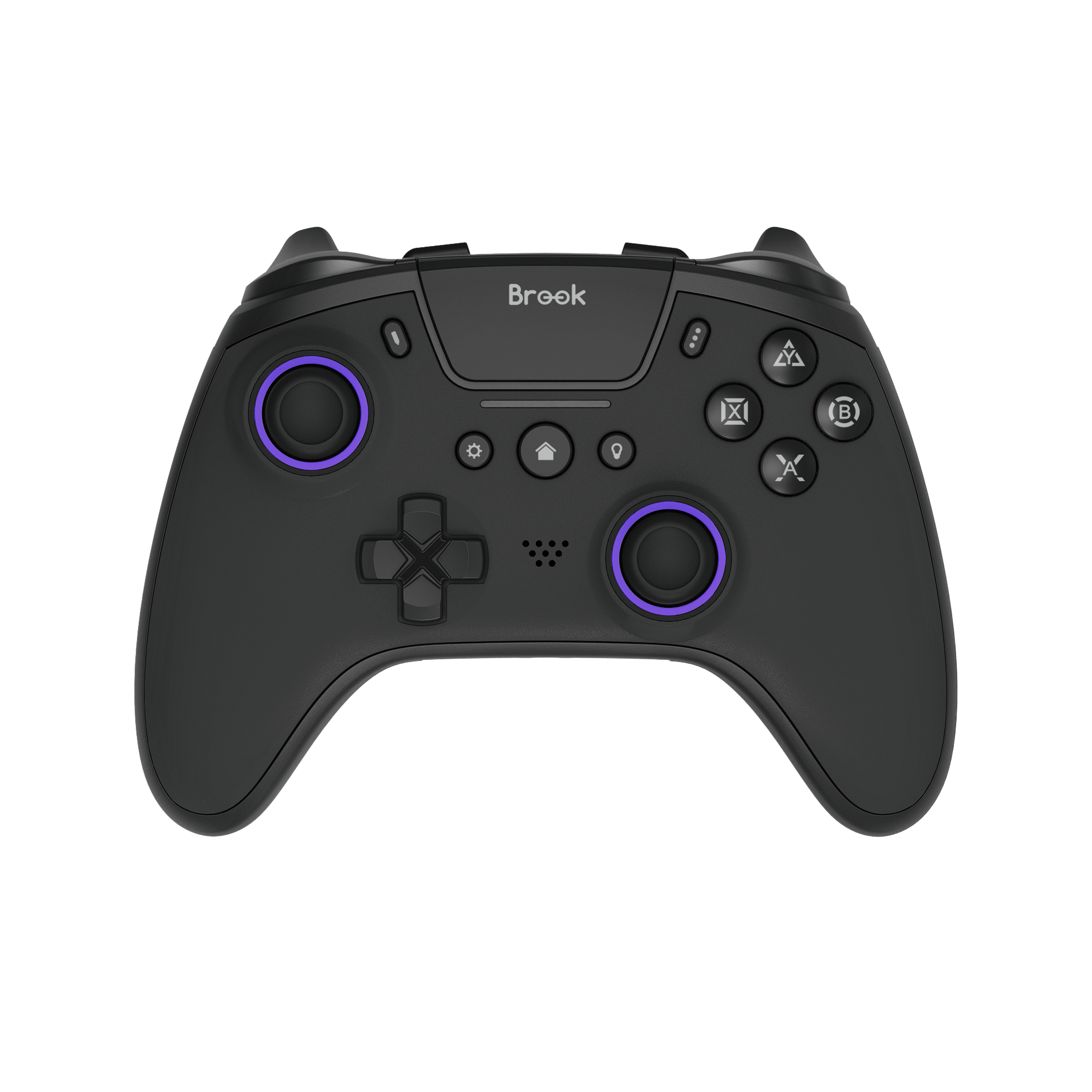 StarRay Controller


-------------v1.2.0.7 / V12_20260812_0900 -----------
Added support for the Brook Controller Center App.
★★App Download Links★★
1.Android (Google Play): https://play.google.com/store/apps/details?id=com.bledevice.actionsotaupgrade&pcampaignid=web_share
2.iOS (App Store): https://apps.apple.com/us/app/brook-controller-center/id6795359221
★★How to Connect Controller to App★★
1.Open your phone's Settings and turn on Bluetooth.
2.Press and hold the Create button + PS button simultaneously until the status light begins to flash (Entering pairing mode).
3.In your phone's Bluetooth device list, select "Brook Wireless Controller" or "DualSense Wireless Controller".
4.Once connected, the status light will remain solid on.
5.Open the Brook Controller Center App.
6.Press the R3 + L3 buttons simultaneously. The status light will start flashing again (Entering App pairing mode).
7.Once paired, the App will automatically enter the settings screen for you to customize your controller.
Added support for the Brook Controller Center App.
★★App Download Links★★
1.Android (Google Play): https://play.google.com/store/apps/details?id=com.bledevice.actionsotaupgrade&pcampaignid=web_share
2.iOS (App Store): https://apps.apple.com/us/app/brook-controller-center/id6795359221
★★How to Connect Controller to App★★
1.Open your phone's Settings and turn on Bluetooth.
2.Press and hold the Create button + PS button simultaneously until the status light begins to flash (Entering pairing mode).
3.In your phone's Bluetooth device list, select "Brook Wireless Controller" or "DualSense Wireless Controller".
4.Once connected, the status light will remain solid on.
5.Open the Brook Controller Center App.
6.Press the R3 + L3 buttons simultaneously. The status light will start flashing again (Entering App pairing mode).
7.Once paired, the App will automatically enter the settings screen for you to customize your controller.
 Mars Wired Controller
20190118
1. Fix delay problem when playing Wizard of Legend on Steam
1. Fix delay problem when playing Wizard of Legend on Steam
 Vivid Controller
Hold down left 3DVR, then connect Vivid controller to PC with usb cable to enter upgrade mode to update.
20230531
1. The MACRO function has been added to support the [+][-] buttons.
20230531
1. The MACRO function has been added to support the [+][-] buttons.
 Steel Knight
3F., No.121, Jian 8th Rd., Zhonghe Dist., New Taipei City 23585, Taiwan
Tel: +886-2-6620-2225 #361|Fax: +886-2-6620-2226|Business Hours: 10:00 AM to 6:00 PM (GMT+8)
Copyright © Zeroplus Technology Co., Ltd. All Rights Reserved. Brook is the registered trademark of Zeroplus Technology Co., Ltd.